Most people first hear about "accessible design" when someone in their family faces a mobility challenge. But there is a broader philosophy that has been quietly reshaping the way architects, builders, and product designers think about the built environment. It is called Universal Design — and if you are planning any home renovation, understanding it can save you thousands of dollars and years of future headaches.
The Big Idea
Universal Design is the concept of designing products and environments so they are usable by all people, to the greatest extent possible, without the need for adaptation or specialized modifications. The term was coined in 1997 by architect Ronald Mace at North Carolina State University.
The key distinction: accessible design is about meeting minimum requirements for people with specific disabilities. Universal Design goes further — it aims to create spaces that are inherently convenient for everyone, from a toddler to a grandparent, from someone carrying groceries to someone using a wheelchair.
The 7 Principles of Universal Design
1. Equitable Use
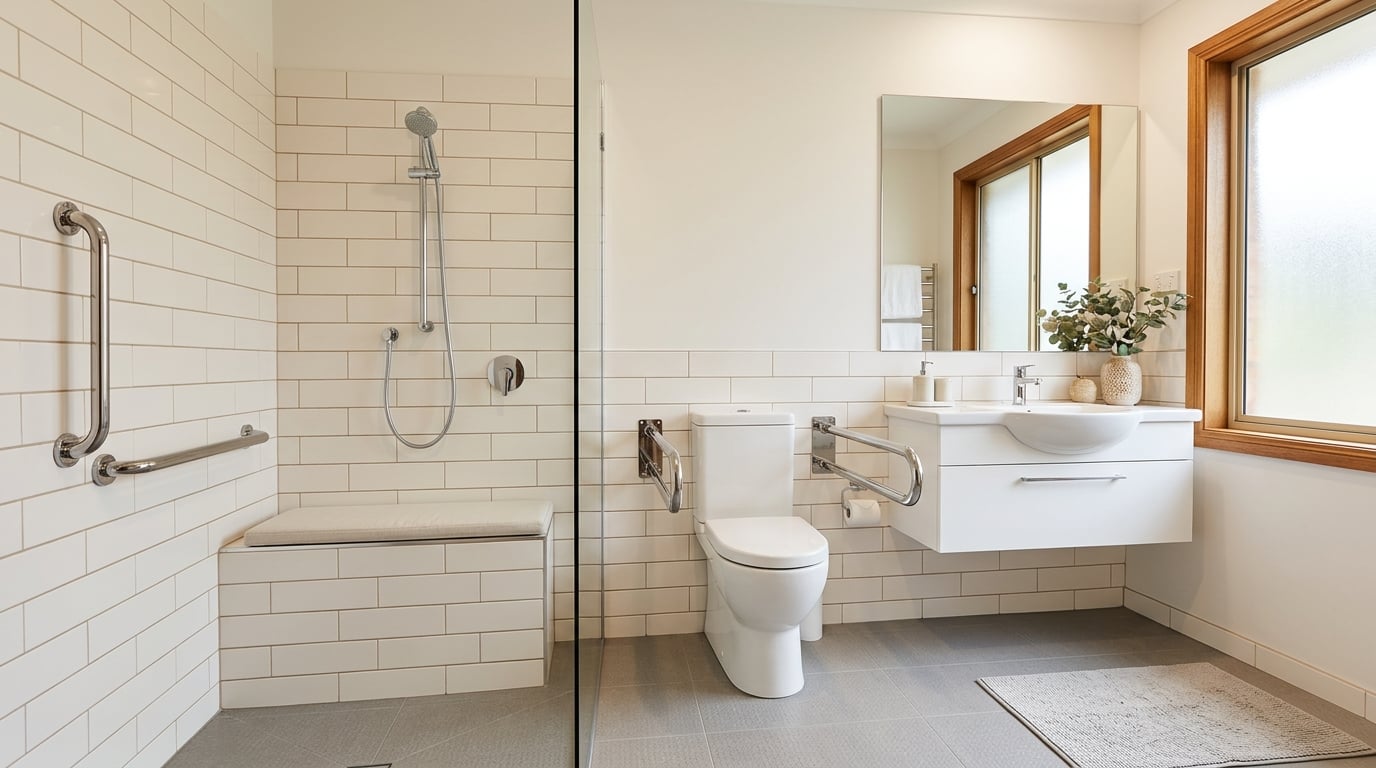
The design is useful and marketable to people with diverse abilities. A zero-threshold shower is a perfect example: it is easier for a wheelchair user, safer for a child, and more stylish than a traditional tub — everyone benefits. A front-loading washer is another: accessible from a seated position, easier on the back for standing users, and more water-efficient for everyone.
2. Flexibility in Use
The design accommodates a wide range of individual preferences and abilities. An adjustable-height desk works for a tall standing adult and a seated wheelchair user. A handheld showerhead on a sliding bar lets every family member set the height they prefer.
3. Simple and Intuitive Use
The design is easy to understand, regardless of experience, knowledge, language, or cognitive ability. Lever door handles are intuitive — push down to open. Rocker light switches are simpler than toggle switches. Single-handle faucets are easier than separate hot and cold knobs.
4. Perceptible Information
The design communicates necessary information effectively, regardless of ambient conditions or the user's sensory abilities. High-contrast stair nosing (the edge of each step) is visible for someone with low vision. A stove that displays large, backlit temperature readings is readable for everyone.
5. Tolerance for Error
The design minimizes hazards and adverse consequences of accidental or unintended actions. An induction cooktop that stays cool to the touch tolerates the error of a child or senior accidentally touching the surface. Rounded countertop corners tolerate a stumble without causing injury.
6. Low Physical Effort
The design can be used efficiently and comfortably with minimum fatigue. Lever handles require no grip strength. Motion-sensor faucets require no hand movement at all. Pocket doors require less force than swinging doors and do not block the pathway.
7. Size and Space for Approach and Use
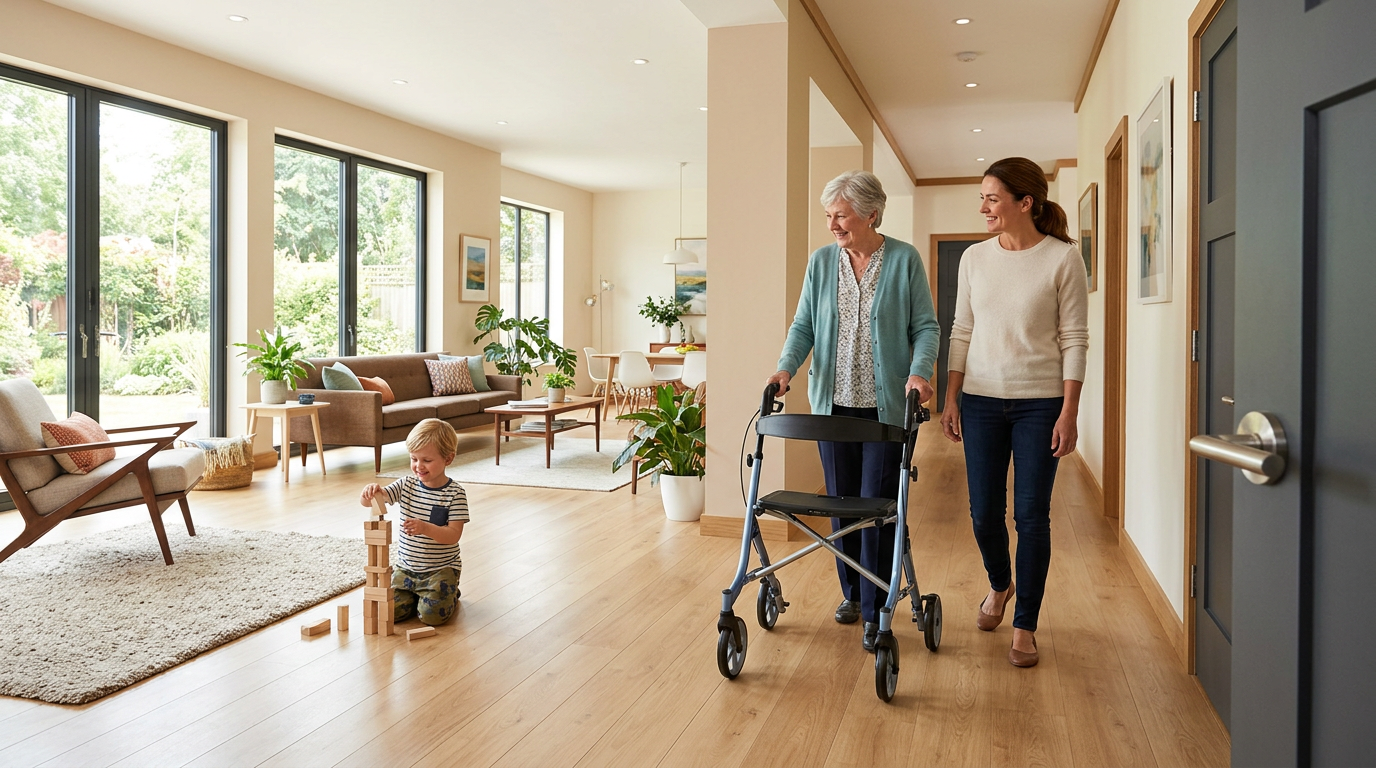
Appropriate size and space is provided for approach, reach, manipulation, and use regardless of body size, posture, or mobility. Wide hallways (42 inches or more) are comfortable for everyone and essential for wheelchairs. Open floor plans give all family members room to move freely.
Universal Design vs. Aging-in-Place Modifications
There is significant overlap, but the mindset differs:
- Aging-in-place modifications are typically retrofits made in response to a specific, current need — adding grab bars after a fall, installing a ramp after a hip replacement.
- Universal Design is proactive — building features into the home from the start (or during a renovation) so they are already there before they are needed.
The cost difference is dramatic. Installing blocking in bathroom walls during construction (so grab bars can be added later without tearing open the wall) costs virtually nothing. Retrofitting grab bars into unblocked walls costs $200 to $500 per bar. Widening a doorway during a renovation adds $200. Widening one later as a standalone project costs $800 to $1,500.
Easy Universal Design Wins for Any Home
You do not need a full renovation to apply Universal Design. These upgrades are affordable and immediately beneficial:
- Replace all doorknobs with lever handles ($15 to $50 each) — easier for everyone, especially when hands are full
- Install rocker light switches ($3 to $10 each) — operable with an elbow, forearm, or fist
- Add motion-sensor exterior lights ($30 to $80 each) — no fumbling for switches in the dark
- Ensure at least one no-step entry — beneficial for strollers, luggage, deliveries, and wheelchairs alike
- Use contrasting colors on stair edges, light switches, and electrical outlets — helps everyone see them clearly
The Business Case for Universal Design
Universal Design features increasingly boost resale value. With 10,000 Americans turning 65 every day, the pool of buyers who need or want accessible features is growing rapidly. A universally designed home appeals to the widest possible market — families with young children, people recovering from injuries, aging adults, and anyone who appreciates thoughtful, comfortable design.
Find a Universal Design Professional
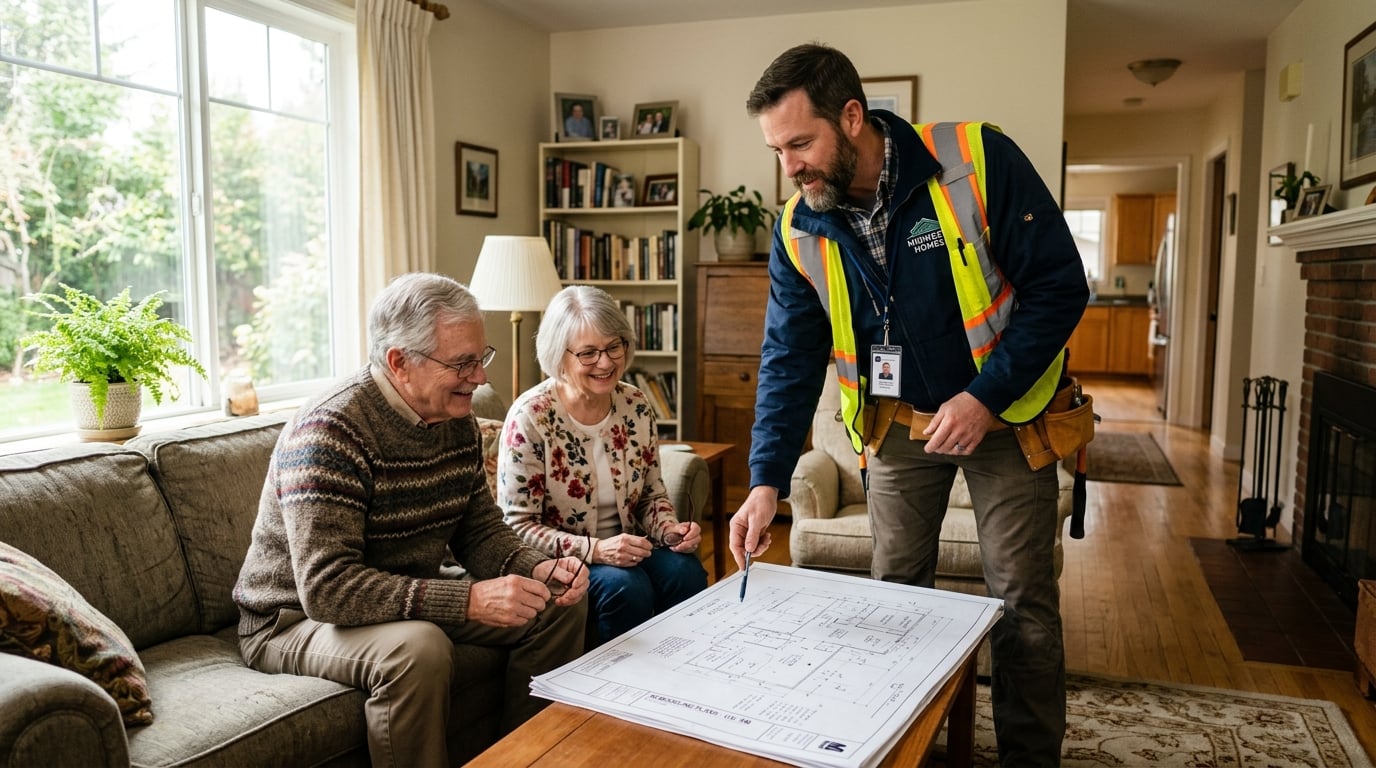
Not every contractor understands Universal Design. Look for professionals with the CAPS (Certified Aging in Place Specialist) designation or experience in universal and accessible design. Search our directory to find qualified contractors in your area who can help you apply these principles to your next renovation.